



Want to speed up your WordPress site? Discover the 7 best WordPress speed plugins in this article. We’ll guide you through the top tools for caching, image optimization, and more, so you can improve your site’s load times and user experience. These website speed plugins play a crucial role in reducing WordPress load times and are a key part of performance optimization WordPress users rely on for better results.
Key Takeaways
- Site speed is vital for user satisfaction, SEO rankings, and conversion rates, with significant impacts resulting from even slight delays. For that reason, many turn to website speed plugins to help meet performance goals.
- Top WordPress speed plugins like WP Rocket, LiteSpeed Cache, and W3 Total Cache offer various features to optimize site performance, though their setup complexities vary by user experience level. These tools are widely used for performance optimization on WordPress sites that need to stay competitive.
- Choosing the right speed plugin involves considering compatibility, ease of use, support options, and the potential for performance trials to assess effectiveness. Improving WordPress load times can make a measurable difference in bounce rate and conversions.
Why Speed Matters for Your WordPress Site
Enhancing the speed of your WordPress website is essential, not merely an option. Quick-loading websites boost user contentment, which in turn fosters higher retention and more frequent visits. If your WordPress site operates swiftly, it sustains visitor engagement while keeping bounce rates low. It’s beneficial to seek strategies for accelerating your website to refine the speed of your WordPress site.
For search engine optimization (SEO), performance plays a pivotal role. Search engines give preference to sites that load quickly within their ranking procedures, with Google’s Core Web Vitals underscoring speed’s significance for SEO success. Falling short on Core Web Vitals could undermine your SEO efforts and diminish web traffic volume. Utilizing tools such as Google PageSpeed Insights can be instrumental in assessing and amplifying how briskly your WordPress site loads.
The repercussions of sluggish load times are undeniably severe according to research data. Even one second’s delay in page loading can detrimentally affect conversion rates by a significant margin while over three seconds’ worth of wait time prompts 40% of visitors to leave a webpage altogether (Forbes report on Top Website Statistics) – leading potentially to a 32% surge in bounce rate probabilities at this threshold or beyond it. Honing the efficiency with which users access content on-site as well managing server demands goes far beyond simple considerations around SEO—it bears directly upon customer acquisition and fostering lasting client relationships.
Top 7 WordPress Speed Plugins Tested
During our search for superior speed plugins tailored to a range of WordPress sites, we conducted real-world testing on live websites hosted in different environments. We assessed the plugins with criteria such as simplicity of use, caching capabilities, and their significant effect on site speed.
We distinguished seven exceptional WordPress caching plugins that excelled during our evaluations. These included intuitive options like WP Rocket as well as robust solutions like LiteSpeed Cache among others.
WP Rocket
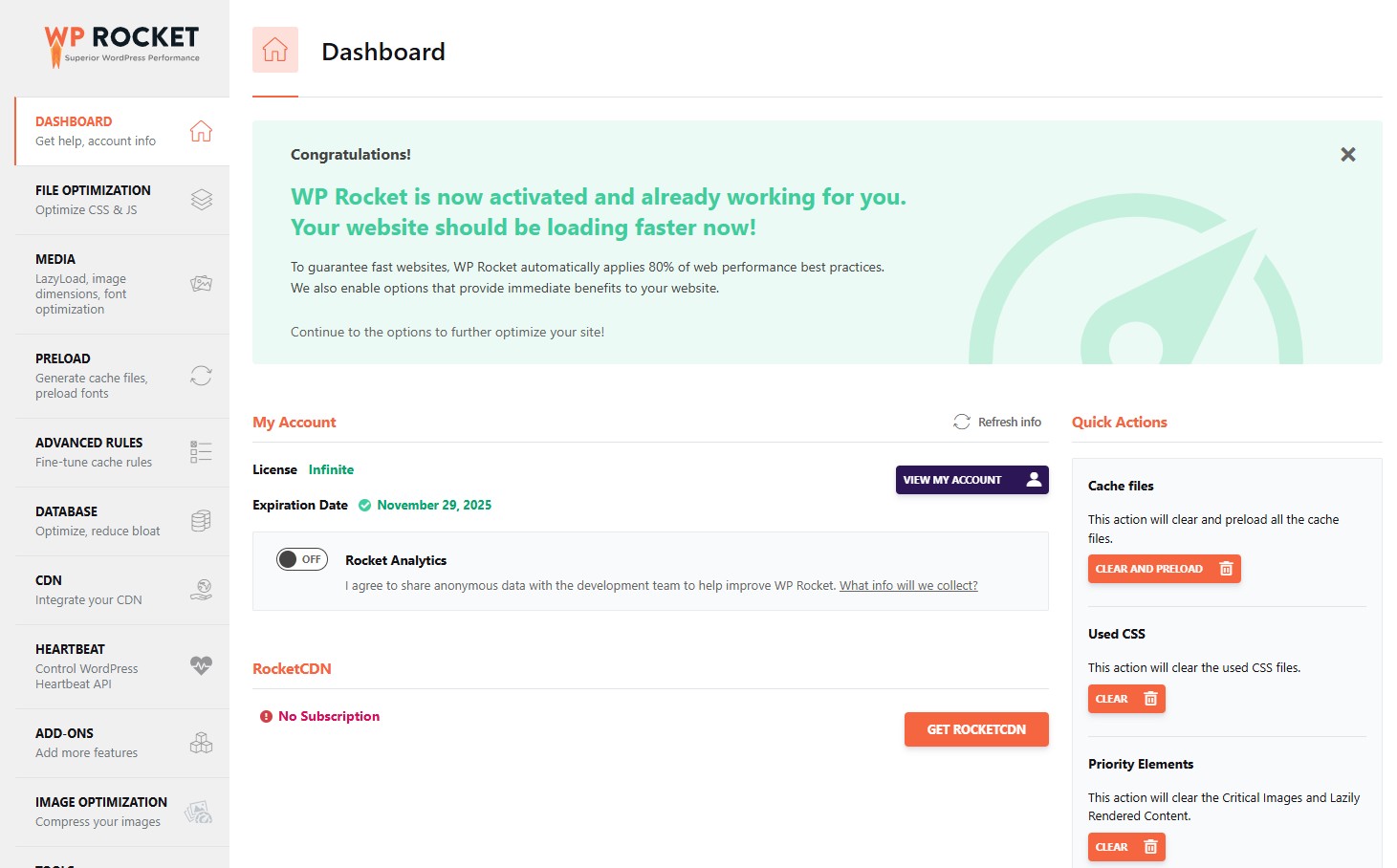
WP Rocket is celebrated for its easy-to-navigate interface and an array of features aimed at boosting site speed, such as automatic performance improvements through cache preloading, browser caching, and optimizations tailored for eCommerce. The installation process of WP Rocket is notably simple and rapid, usually complete in a mere 2-3 minutes. It garners impressive results with a first contentful paint (FCP) score of 0.88—placing it among the top-tier WordPress caching plugins that deliver swift setup coupled with instant enhancements.
WP Rocket provides flawless integration with Content Delivery Networks (CDNs) and comes at an accessible price point of $49 annually to offer robust caching functionality. Tailored to both novices and seasoned users alike, WP Rocket stands out as a formidable tool designed to elevate your WordPress website’s loading speeds and overall efficiency.
LiteSpeed Cache
LiteSpeed Cache leverages server-level caching, necessitating certain hosting setups to operate effectively. This caching plugin bolsters WordPress website performance through the implementation of both server-level and site caching tactics. Yet, its reliance on a web server may present obstacles for some users, as setting up LiteSpeed Cache can pose difficulties for novices due to the technical knowledge required.
Despite its complex setup process, LiteSpeed Cache is adept at compressing HTML, CSS, and javascript files to enhance optimization. It caters primarily to seasoned individuals who are in search of potent caching solutions. For those skilled enough to manage the technical configuration aspects, LiteSpeed Cache offers an accessible free version that has the potential to markedly accelerate site speed.
W3 Total Cache
W3 Total Cache boasts an array of caching techniques and sophisticated options for CDN integration. The configuration takes roughly 7 to 8 minutes to complete, ideally suited for advanced users due to its intricate nature. A prominent feature is the ability to work with Google PageSpeed Insights, which aids in efficiently enhancing a website’s performance.
There are both complimentary and premium versions of W3 Total Cache available. The premium version comes at an annual cost of $99. Nevertheless, it suffers from drawbacks such as a dated interface and a setup process that isn’t as intuitive compared to alternative plugins. In spite of these issues, W3 Total Cache continues to be a potent asset for those prepared to dedicate time into fully leveraging its capabilities.
WP-Optimize
WP-Optimize is a multifunctional performance and caching plugin that unifies database optimization and wordpress caching capabilities. It’s widely recognized for its ability to streamline the WordPress database through thorough cleanup operations. Notable functionalities include page cache settings, image compression, and an assortment of other caching features.
Activating the caching function in WP-Optimize involves going to WP-Optimize > Activate the cache function. Cache where you can enable Page Caching with a simple save action. Once WordPress caching is turned on, it’s possible to promptly preload cached pages by selecting ‘Run Now’ within the Preload section. This operation often takes between 5 to 15 minutes based on your specific cache settings and how many page cache configurations need processing.
For those in search of economical yet effective optimization plugins that stand out among numerous WordPress performance plugins—particularly when considering top-tier options—the WP-Optize serves as an outstanding choice reputed as one of the best performance and WordPress caching plugin offerings available.
Hummingbird
Hummingbird is equipped with several optimization tools that enhance site performance, such as browser caching, minification of resources, and providing insightful performance reports. The optimization and caching plugin supports multiple forms of caching like page-level, RSS feed, and Gravatar image caching, which contribute to improved website speed and efficiency.
The implementation process for Hummingbird is designed to be simple. Users can quickly install the caching plugin through their WordPress dashboard and have it running in less than two minutes using the preset configurations. Despite its ease of setup, newcomers may find Hummingbird’s extensive range of settings daunting at first glance. When coupled with Cloudflare’s services, Hummingbird Optimizes site performance by leveraging Cloudflare’s Content Delivery Network (CDN).
Autoptimize
Autoptimize concentrates on the minification of CSS, JavaScript, and HTML with the aim of diminishing website load times. Its core functionalities consist of condensing CSS files, refining JavaScript execution, and streamlining HTML code. A significant advantage is its compatibility with WP Rocket. When used together, they can boost site performance.
While Autoptimize excels in certain areas such as providing a variety of options for managing Google Fonts, it does not have capabilities to manage WordPress caching or image optimization. This positions it as a tool tailored for particular optimization requirements rather than a comprehensive solution.
Nitropack
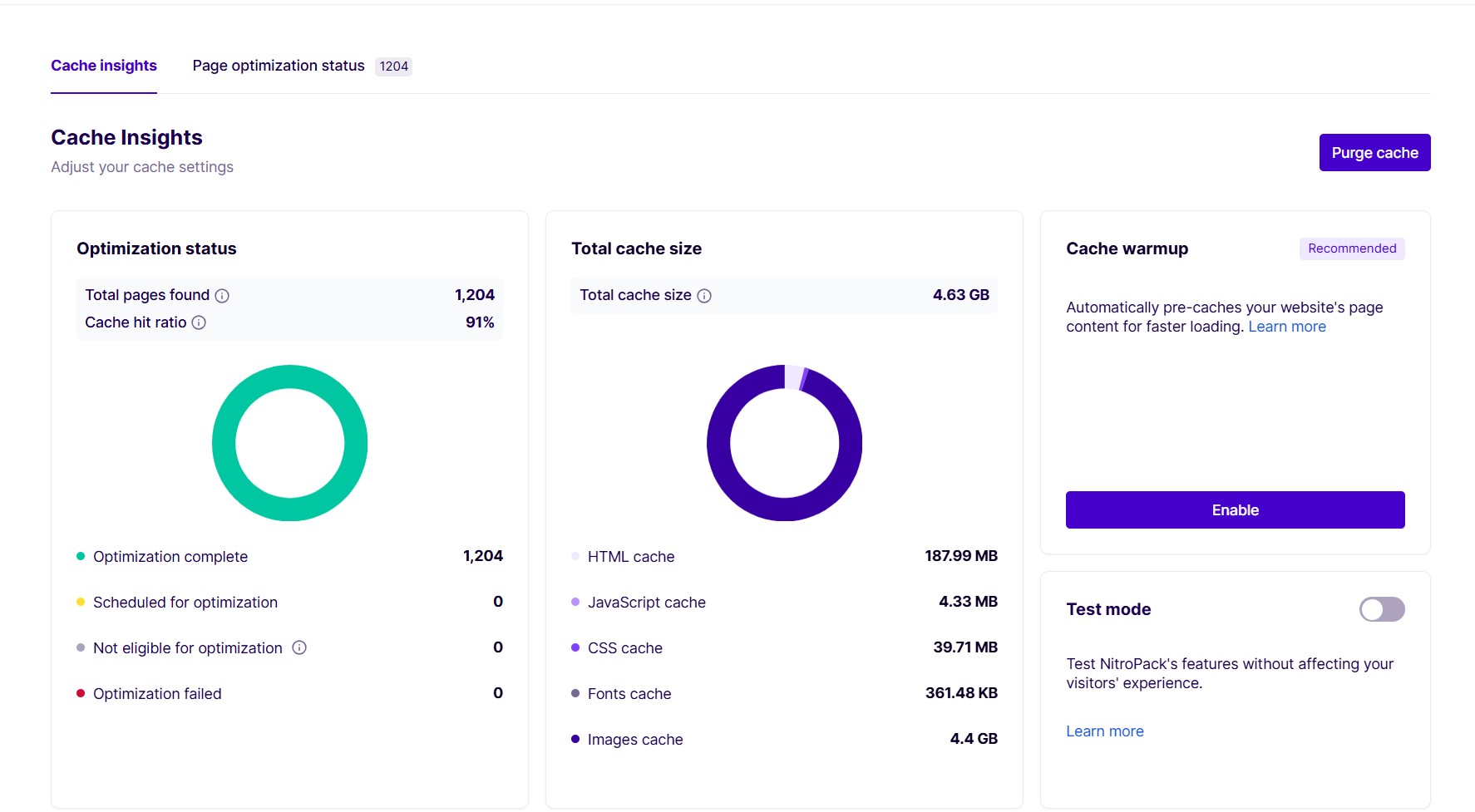
Nitropack serves as an all-inclusive platform designed to automate the enhancement of website speed, elevating WordPress performance with little need for user intervention. It is widely recognized as an optimal solution for swiftly enhancing WordPress sites. Although there’s a complimentary version available, it does include a ‘powered by’ badge.
For individuals in search of an effortless approach to boost their site’s efficiency, Nitropack consistently achieves remarkable outcomes.
Key Features of Effective WordPress Speed Plugins
Effective plugins for optimizing WordPress speed typically come equipped with key functions, such as:
- Caching to create static HTML versions of pages, thereby greatly improving the website’s loading times
- Lazy loading that ensures images and videos are only loaded when in view
- Image optimization techniques that reduce image file sizes while maintaining their visual integrity
- Various strategies geared towards enhancing WordPress performance.
Enhancing site effectiveness and responsiveness can also be achieved by minimizing database calls and refining database performance.
By condensing css files and javascript files, server strain is lessened, which leads to improved functionality across both desktops and mobile devices. Speedier transmission of text files is facilitated by applying Gzip or Brotli compression methods. Postponing non-critical CSS and JavaScript avoids them from impeding the display of core content, markedly boosting page load speeds.
To ensure optimum outcomes, it’s essential to examine if a WordPress plugin encompasses these critical optimizations within its feature lineup.
How to Choose the Best WordPress Speed Plugin for Your Site
Selecting the ideal WordPress performance plugin to enhance website speed requires careful consideration of various factors. Ensure that any potential plugin is compatible with your current themes and other plugins to avoid any conflicts. It’s also important to assess how user-friendly the installation and management process is, so it aligns with your technical skill level. For example, effectively utilizing LiteSpeed Cache requires both a particular hosting setup and more advanced expertise.
It’s advisable to choose installed plugins that come with strong website support options as they can be invaluable in resolving issues you might face while setting them up. Look into WordPress performance plugins offering either a free trial or plan which gives you an opportunity to test their capabilities before making a financial commitment.
Our favorites are WP Rocket and NitroPack, both of which provide excellent features and ease of use for enhancing site speed. By meticulously examining these elements, you’ll be able to pick out a WordPress plugin that not only suits your requirements but also significantly boosts the performance of your site.
Advanced Optimization Techniques Using Speed Plugins
Incorporating advanced optimization methods alongside caching plugins can take your website’s performance to the next level. By deferring CSS and JavaScript, you enable faster rendering of content, which leads to enhanced page speed. The advantage of delaying JavaScript loading is that it positively impacts certain metrics like First Input Delay, with Async JavaScript providing asynchronous loading of scripts for better site speed.
The process of minification involves streamlining HTML, CSS, and JavaScript by compressing them to decrease file sizes thereby speeding up load times. Cutting out any unused CSS can also markedly boost performance, especially when dealing with resources that block rendering. Utilizing these strategies in combination with other optimization tactics allows for significant strides in improving both site speed and the overall user experience. Focusing on efforts such as CSS minification could Bolster these improvements.
Case Study: Real-World Impact of Speed Plugins
Real-world examples highlight the tangible benefits of selecting the right speed plugin. For instance, when comparing Hummingbird with WP Rocket, WP Rocket stands out in terms of performance, ease of use, and cost-effectiveness. This is evident in its ability to optimize speed, particularly with a noticeable reduction in Largest Contentful Paint time when using WP Rocket.
Utilizing NitroPack on websites has also resulted in a substantial decrease in page load times—more than three seconds—demonstrating its capability to significantly boost web page performance. By integrating these tools into their sites, website owners can greatly enhance site functionality, which not only improves the overall user experience but could also potentially lead to higher conversion rates.
Common Issues and Troubleshooting Tips
Frequent problems encountered with speed plugins are typically due to:
- Conflicts between plugins and themes that result in extended load times or even cause the site to crash.
- Utilizing tools designed for performance monitoring can pinpoint which plugins are drawing heavily on server resources.
- Plugins that have not been updated may lead to compatibility issues following recent WordPress updates. Hence, updating all components is essential.
To diagnose and fix issues related to themes, switching temporarily to a standard theme might prove beneficial. Incorrectly set file permissions could restrict WordPress from reaching vital files, causing errors. Eliminating old cached files by clearing cache on both the browser and server side might solve related difficulties.
By tackling these prevalent challenges head-on, you’ll be able to safeguard peak performance of your website while keeping disruptions at bay.
Final Thoughts
Simply put, speeding up your WordPress website is not just about making it more enjoyable for users. It’s also essential for elevating SEO and enhancing conversion rates. We’ve scrutinized seven premier speed plugins that stand out with their distinct advantages and functionalities, ranging from the ease-of-use provided by WP Rocket to the robust capabilities of LiteSpeed Cache. Grasping what makes a speed plugin effective as well as mastering sophisticated optimization strategies is key to informed decision-making and significant enhancements in site performance.
By judiciously choosing and applying appropriate plugins, you’re poised to significantly upgrade your website’s loading times, slash bounce rates, and lift overall visitor contentment. It’s crucial to experiment with various plugins, diagnose prevalent problems effectively, and employ advanced methods to maintain optimal site operation. Keep in mind that faster websites translate into more satisfied visitors, which leads directly to improved business results.